
Work in ArcGIS Pro while keeping your Mac.
Access a Windows environment for GIS coursework, mapping assignments and projects that depend on ArcGIS Pro—without buying a separate Windows computer.
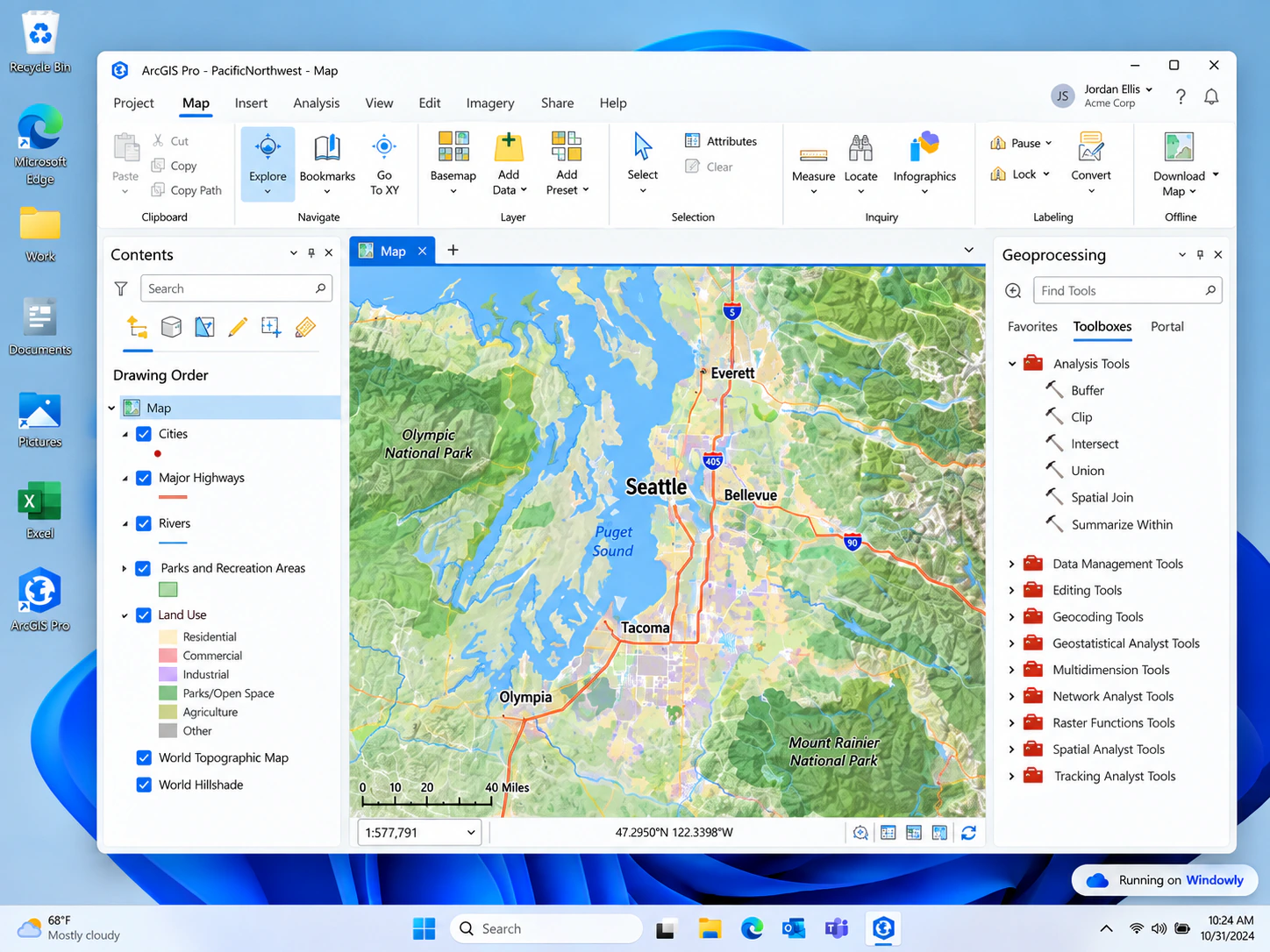
A Windows workspace for GIS projects
Many Mac users encounter ArcGIS Pro through a university course, a temporary project or a workplace requirement. Windowly provides a path to the Windows environment the application expects while letting you continue to use your Mac.
It is intended for people who need occasional or project-based access and prefer a monthly option over another computer or a long commitment.
GIS coursework
Complete mapping and spatial-analysis assignments from your Mac.
Project access
Use ArcGIS Pro when a client, class or team requires the Windows application.
Flexible timing
Keep access for the months you need and cancel when the project ends.
Before you begin
GIS projects vary widely in size and complexity. Windowly requires a compatible Apple Silicon Mac running macOS 14 or later. Confirm the requirements for your data, extensions, memory and storage before starting.
Need ArcGIS Pro for a Mac-based project?
Start with three days free. Continue for $9.99 USD per month only while you need Windowly.
Try Windowly free