
SSMS on your Mac—in one click.
Choose SSMS in Windowly and click Add. Windowly prepares Windows and installs SQL Server Management Studio for you.
Free · no card · no subscription
Requires Apple Silicon and macOS 14 or later. Microsoft Windows, SSMS and SQL Server are not included. Check your Mac.
From your Mac to SSMS in three steps.
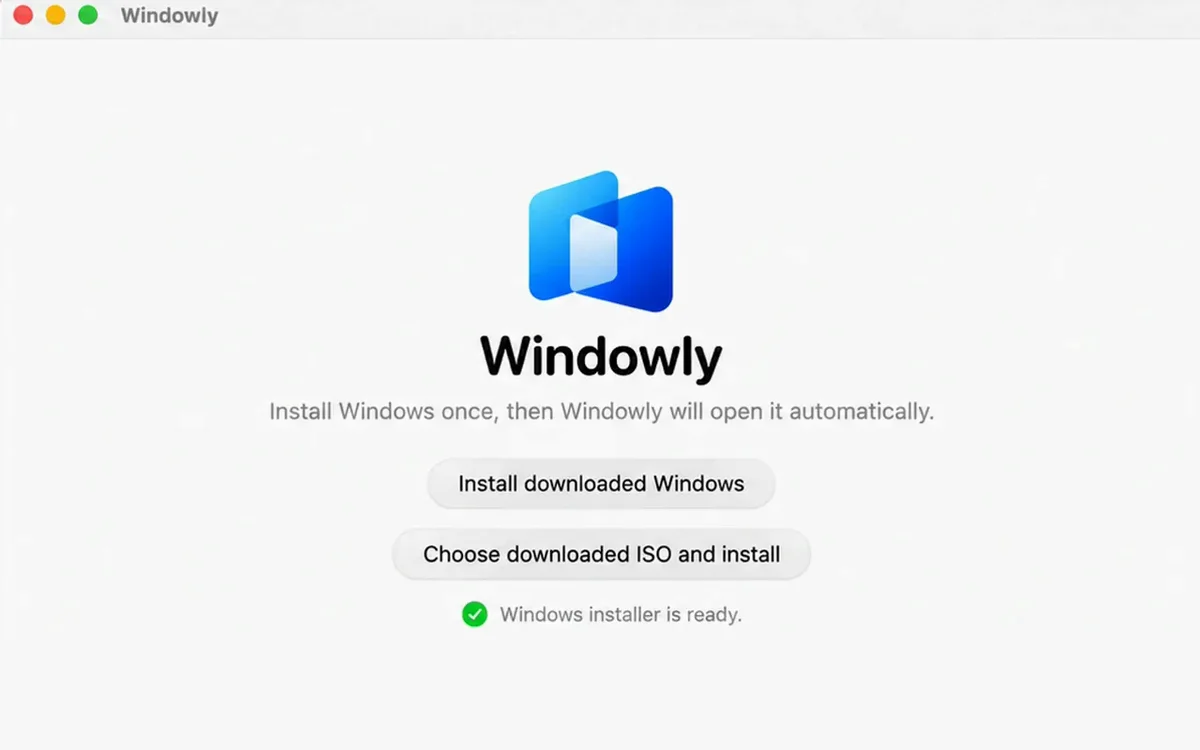
Install Windowly
Open Windowly and let it create and configure Windows automatically.
Open Windows
Launch the complete Windows 11 ARM desktop from Windowly.
Install and test SSMS
Get SSMS from Microsoft, connect to your SQL environment and test the exact tasks you need.
The real application
See the SSMS query workspace.
Install SSMS from Microsoft inside Windows, then connect and test your real SQL environment.
Why Windowly
Real Windows, set up for you.
Real Windows
Your Windows apps work just like on a PC.
Set up for you
Windowly installs and configures Windows. No tech skills needed.
Right on your Mac
No cloud, no remote server. Your files stay with you.
Made for everyday use
Free
Use SQL Server Management Studio on your Mac for free.
Windowly is free to download and use. No card, no subscription.
i Before you start, you need:
- An Apple Silicon Mac (M1 or later) — Intel Macs not supported
- macOS 14 or later
- 16 GB of memory recommended (8 GB for light apps)
- 60 GB of free disk space
- A Windows licence (not included). SSMS itself is free from Microsoft.
Details
Compatibility: Compatibility and performance vary by hardware, macOS version, memory, storage and application.
Price: Windowly is free. No card, no subscription, nothing is charged.
Access: Sign in once in the app with your email. Your files stay on your Mac.
Common questions
SSMS on Mac questions.
Does SSMS run directly on macOS?
No. Microsoft provides SQL Server Management Studio for Windows, not as a native macOS application. Windowly prepares a Windows environment on your Mac.
Does SSMS support Windows on Arm64?
Microsoft lists Arm64 editions of Windows 11 among the supported environments for the current SSMS release.
Does Windowly include SSMS or Windows?
Windows is not included: you need a valid Windows licence. SSMS is free from Microsoft, and Windowly installs it for you.
Will my database connection work?
That depends on your network, server configuration, authentication method and credentials. Use Windowly free to test your exact connection and workflow.
Does Windowly work on Intel Macs?
No. Windowly requires an Apple Silicon Mac running macOS 14 or later.
Need SSMS while keeping your Mac?
Prepare your Windows workspace and test your SQL workflow. It is free.
Download freeFree · no card · no subscription