
Microsoft Visio. On your Mac.
Open your .vsdx files and create diagrams with Visio Desktop. Windowly sets up Windows on your Mac for you.
Free · no card · no subscription
Apple Silicon Mac · macOS 14+ · Windows licence and Visio plan required
How it works
From your Mac to Visio in three steps.
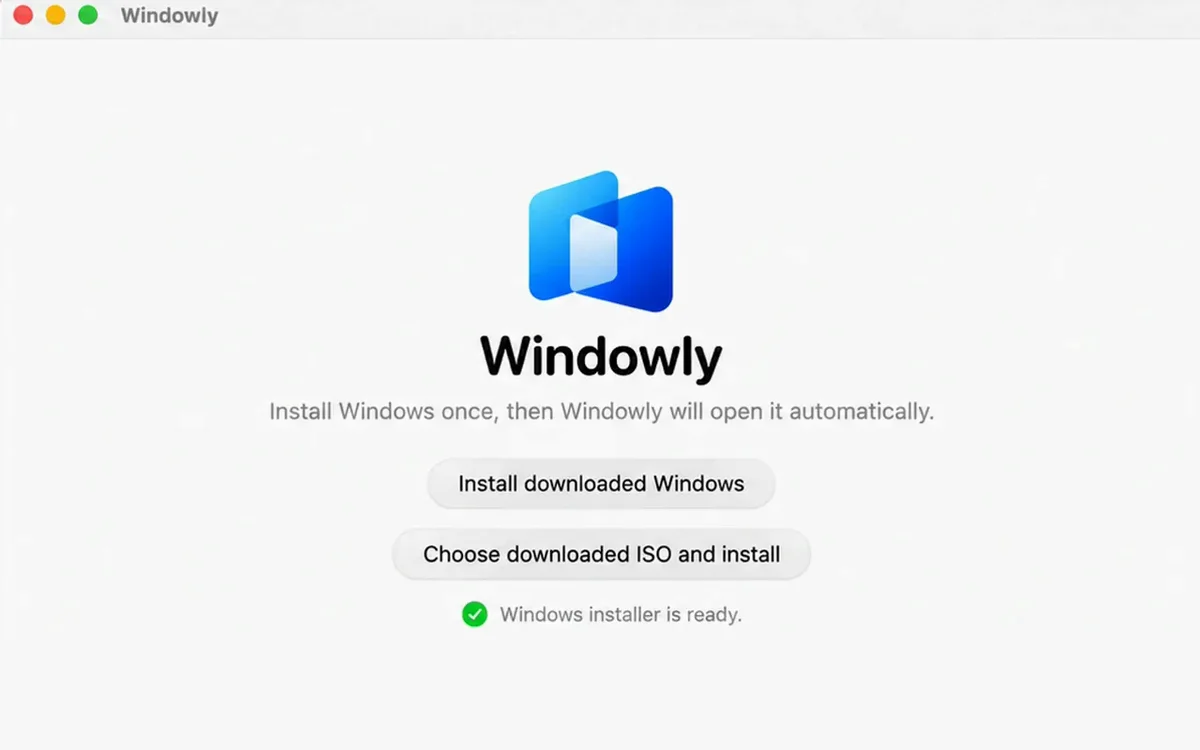
Install Windowly
Download Windowly. It gets Windows 11 from Microsoft’s official website and sets it up for you.
Add Microsoft Visio
Choose Visio in the catalog and click Add. Windowly installs it for you.
Start using Visio
Open it from My apps and sign in with the Microsoft account that has your Visio plan. Enter your Windows licence key inside Windows.
Free
Use Microsoft Visio on your Mac for free.
Windowly is free to download and use. No card, no subscription.
i Before you start, you need:
- An Apple Silicon Mac (M1 or later) — Intel Macs not supported
- macOS 14 or later
- 16 GB of memory recommended (8 GB for light apps)
- 60 GB of free disk space
- A Windows licence and a Microsoft Visio plan (not included)
Details
Compatibility: Compatibility and performance vary by hardware, macOS version, memory, storage and application.
Price: Windowly is free. No card, no subscription, nothing is charged.
Access: Sign in once in the app with your email. Your files stay on your Mac.
Visio on Mac FAQ
Questions before you start.
Does Visio run natively on macOS?
The Visio desktop application requires Windows. Windowly prepares that local Windows environment.
Can I use Visio for the web in a browser on my Mac?
Microsoft also offers Visio for the web, which runs in a browser. Whether you have it depends on your Microsoft plan. Windowly is for the full Visio desktop app.
Do I have to open the Windows desktop every time?
No. Launch Visio from My apps, or open the full desktop when needed.
Can I use existing Visio files?
Yes. Test your diagrams, templates, stencils and add-ins before you rely on it.
Are Windows and Visio included?
No. You need a valid Windows licence and a Microsoft Visio plan. The first time Visio opens, sign in with the Microsoft account that has your plan.
Explore the details
What can I do with Visio and Windowly?
What can you do with Visio on your Mac?
Create new diagrams with Visio
Draw flowcharts, floor plans and org charts in the full Visio desktop app, the same app Windows users have.
Open diagrams you already have with Visio
Got a .vsdx file from a colleague or your old PC? Open it on your Mac and keep working.
Move files easily between Mac and Windows
Drag and drop your .vsdx files between your Mac and Windows. It takes one move.
Why Windowly?
Simple setup
Windowly installs Windows and Visio for you. No tech skills needed.
Easy to get
Pick Visio in the catalog and click Add. No searching for installers.
Runs smoothly
Windowly gives Windows the right memory and processor power automatically, so everyday diagrams run well.
Use your Mac apps too
Windows runs in its own window, while Safari, Mail and your other Mac apps stay open next to it.
Private and secure
No cloud, no remote server. Windows and your files stay on your Mac.
Sharp, clear screen
Diagrams, text and icons look crisp at your Mac’s resolution.
Ready to use Visio on your Mac?
Download free and test your own diagrams.
Download freeFree · no card · no subscription